

How to Remove Personal Information from Google (UK 2026)
Your home address, phone number or old personal details showing up when someone searches your name is unsettling, and sometimes dangerous. Here is how to remove personal information from Google in the UK, and how to remove it from the website itself.
How to remove personal information from Google: the short answer
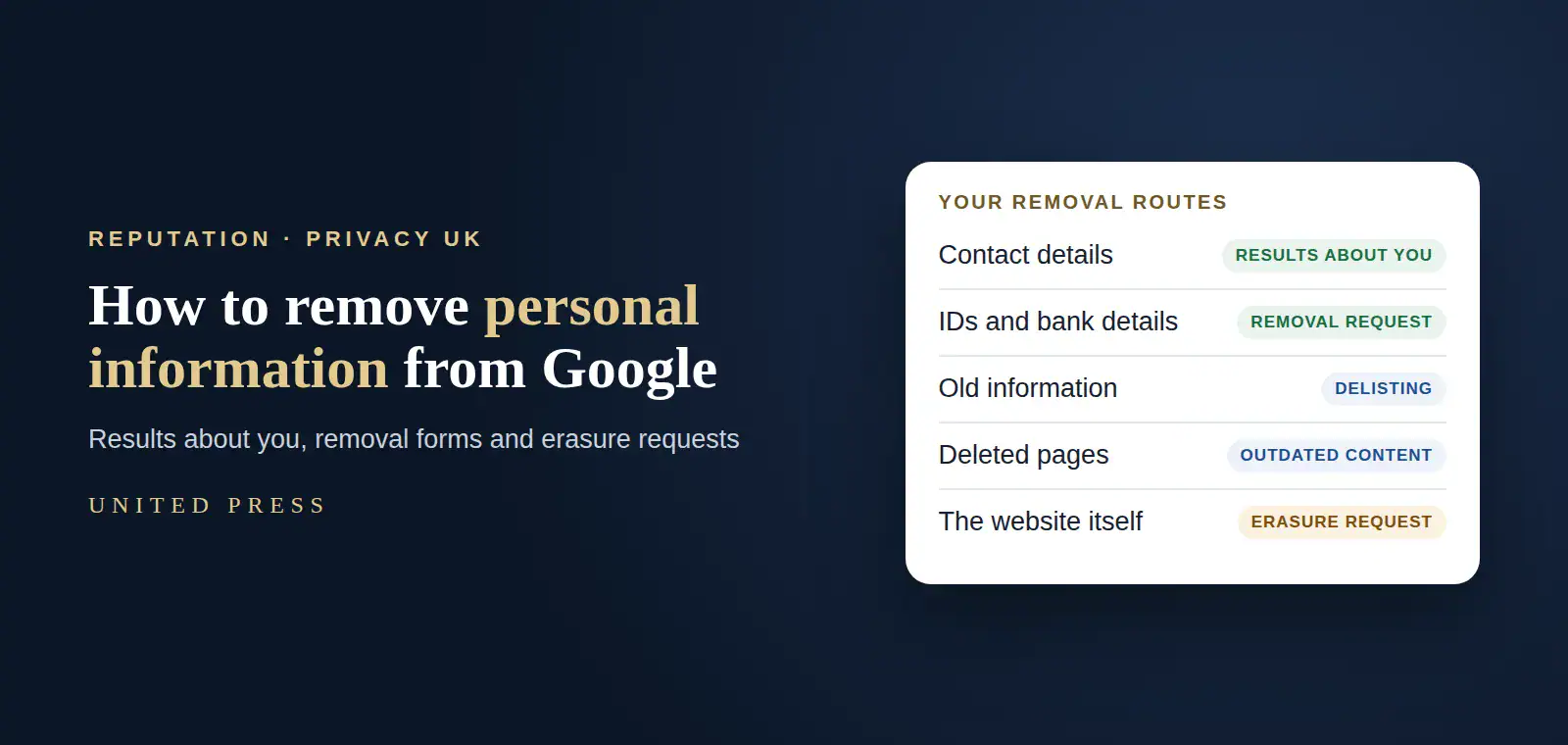
To remove personal information from Google in the UK, use Google’s Results about you tool for your address, phone number and email, and Google’s removal request forms for ID numbers, bank details, private records and doxxing. For old or irrelevant information, use the UK and EU privacy delisting form. Removing a result from Google does not delete the page, so also ask the website to remove it.
- Results about you handles contact details
- Removal requests cover IDs, bank details and doxxing
- Delisting covers old or irrelevant information
- The website must remove it at the source
Removing a search result is not the same as removing the information
Google can only remove things from Google Search results. The page itself stays on the website, and may still be found on other search engines, social media or through direct links. For a complete fix, you usually need two steps: ask Google to remove the result, and ask the website to remove the information at its source.
Remove from Google
Quickest way to stop people finding it by searching your name. Uses Google’s tools and request forms.
Remove at the source
Contact the website owner. Under UK GDPR you may have a right to erasure, and you can complain to the Information Commissioner’s Office (ICO) if they refuse without good reason.
What personal information can be removed from Google?
| Type of information | Best route | What to expect |
|---|---|---|
| Home address, phone number or email | Google’s Results about you tool | Also alerts you to new results |
| Government ID, bank or card numbers | Google’s personal information removal request | Usually removed when confirmed |
| Images of your signature or ID documents | Google’s personal information removal request | Usually removed when confirmed |
| Medical and other private records | Google’s personal information removal request | Assessed case by case |
| Doxxing: personal details with threats | Google’s personal information removal request | Treated as a priority |
| Old, irrelevant or inaccurate information about you | Google’s UK and EU privacy delisting form (right to be forgotten) | Balanced against public interest |
| A page that has already been changed or deleted | Google’s outdated content removal tool | Updates the search result |
Google says it may not remove content that is newsworthy or in the public interest, and weighs whether the information matters to the public.
How to use Google’s Results about you tool
Open Results about you
Sign in to your Google account and open the Results about you page from your account or the Google app.
Add your details
Enter your name and the contact details you want Google to look for: home address, phone number and email.
Review what Google finds
Google shows search results that contain those details. Check each one.
Request removal
Select the results you want removed and submit the request. You can track progress in the same place.
Turn on alerts
Let Google notify you when new results with your contact details appear, so you can act quickly.
When to use Google’s other removal forms
- Sensitive information such as ID numbers, bank details or medical records: Google’s personal information removal request, listing each URL
- Old or irrelevant information about you: the UK and EU privacy delisting form, explaining why it is no longer relevant
- Content already removed from a website: the outdated content removal tool
- Images of you shared without consent: Google’s specific image removal routes
- Defamation or other legal issues: Google’s legal removal requests, ideally with advice
Each request is reviewed separately, and only the URLs you list are reviewed. Keep a record of every URL and request.
How to remove personal information from the website itself
Find the right contact
Look for a privacy, data protection or contact page. Many sites have a data protection officer.
Make a clear request
Identify the page, the information and why it should be removed. For UK sites, you can refer to your right to erasure under UK GDPR.
Give them time to respond
Organisations normally have one month to respond to a data protection request.
Escalate if needed
If they refuse without a valid reason, you can complain to the ICO.
Update Google
Once the page changes, use Google’s outdated content tool so search results catch up.
Keep your personal information out of search in future
- Check privacy settings on every social profile
- Use a business address, not your home, where you can
- Think before giving details to directories and listings
- Keep Results about you alerts switched on
- Search your name in a private window every few months
- Ask for a privacy option when you join public registers
Get your personal information off Google
United Press has protected people’s privacy and reputation since 2001. We find every page that exposes you, handle Google requests, delisting and website removals, and keep watch for new results.
Personal reputation
Privacy, search results and reputation for individuals. See personal reputation management.
Right to be forgotten
Strong delisting requests, prepared and followed through. See right to be forgotten UK.
Images and videos
Personal images and videos removed or suppressed. See image and video reputation.
Link removal
Full refund if a link we take on is not removed. See online reputation management.
Removing personal information from Google: frequently asked questions
How do I remove my address from Google?
Use Google’s Results about you tool. Add your address, review the results Google finds, and request removal. Then ask the website showing your address to remove it at the source.
Is Google’s Results about you tool available in the UK?
Yes. Results about you is available in the UK and lets you find and request removal of search results containing your home address, phone number and email, with alerts for new results.
Does removing a result from Google delete it from the internet?
No. Google can only remove results from Google Search. The page stays on the website and may appear in other search engines, so also contact the site owner.
What personal information will Google remove?
Google may remove contact details, confidential government ID numbers, bank and card numbers, images of signatures or ID documents, private records such as medical records, login details and doxxing content. It may keep newsworthy or public-interest content.
How do I remove old information about me from Google?
Use Google’s UK and EU privacy delisting form, explaining why the information is outdated, irrelevant or no longer in the public interest. Google balances your request against the public’s interest.
Can I make a website delete my personal data?
Under UK GDPR you may have a right to erasure in many situations. Organisations normally have one month to respond, and you can complain to the ICO if they refuse without a valid reason.
How long does Google take to remove personal information?
It varies. Many contact detail requests are handled within days, while delisting requests can take longer because each one is assessed individually.
Can United Press remove my personal information from Google?
Yes. We find every page that exposes you, handle Google requests, delisting and website removals, and monitor for new results. Full refund if a link we take on is not removed.
Your privacy is worth protecting.
You should feel safe when someone searches your name. With the right requests, in the right order, you can take back control of what the world sees.